> For the complete documentation index, see [llms.txt](https://whitepaper.anttime.net/llms.txt). Markdown versions of documentation pages are available by appending `.md` to page URLs; this page is available as [Markdown](https://whitepaper.anttime.net/products-and-services/anttime/get-start/create-account.md).
# Create Account
How to Create your ANTTIME Account.
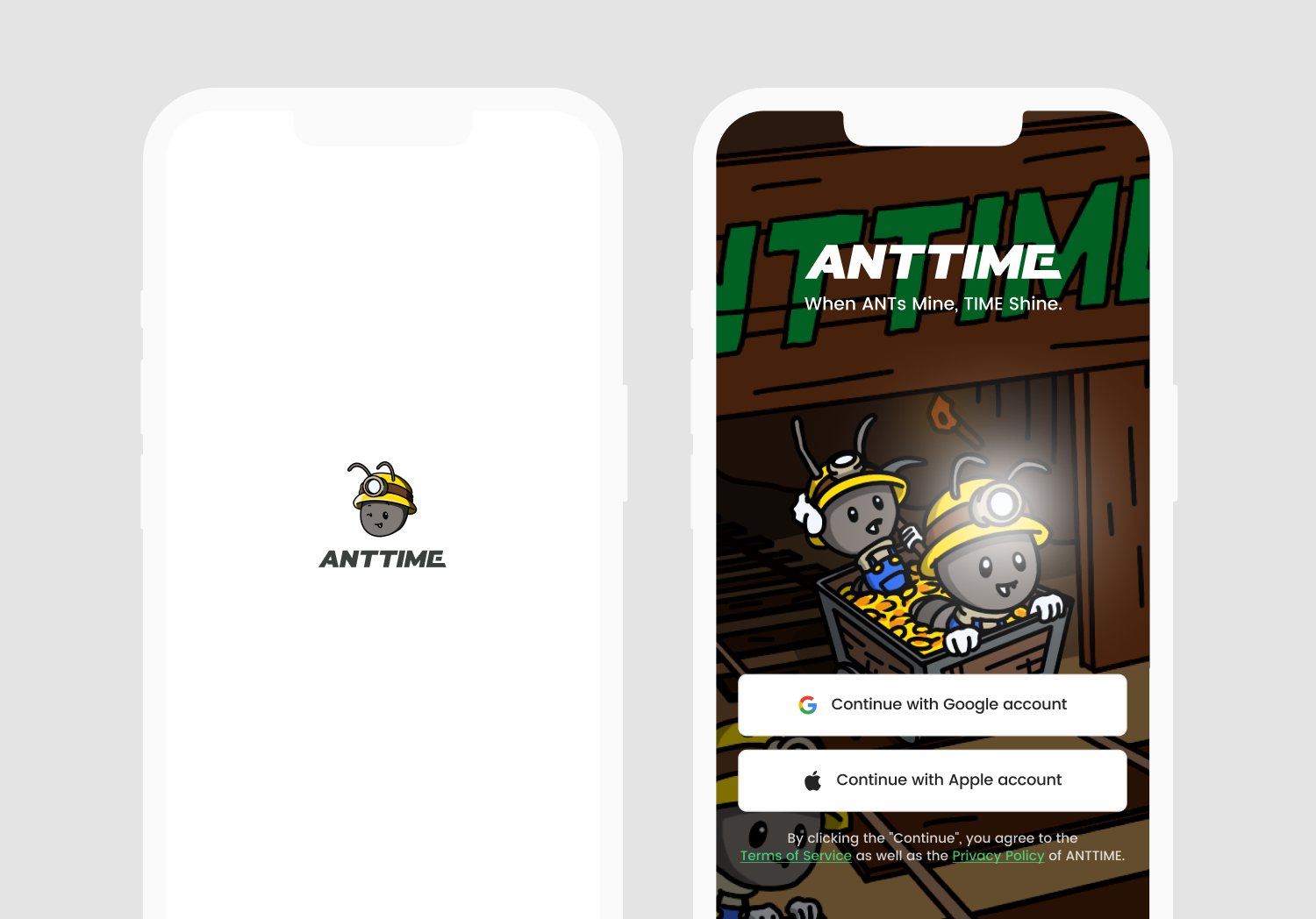
## 1. Account Selection
Choose the account you want to sign up with. Users can proceed with the registration by selecting either Google account or Apple account.
📌 *To use ANTTIME services, you must agree to the* [***Privacy Policy***](/disclaimer/privacy-policy.md) *and* [***Terms of Service***](/disclaimer/terms-of-service.md). *By Creating Account, you are considered to agree to all of them. If you do not wish to agree, you will be unable to access the services.*
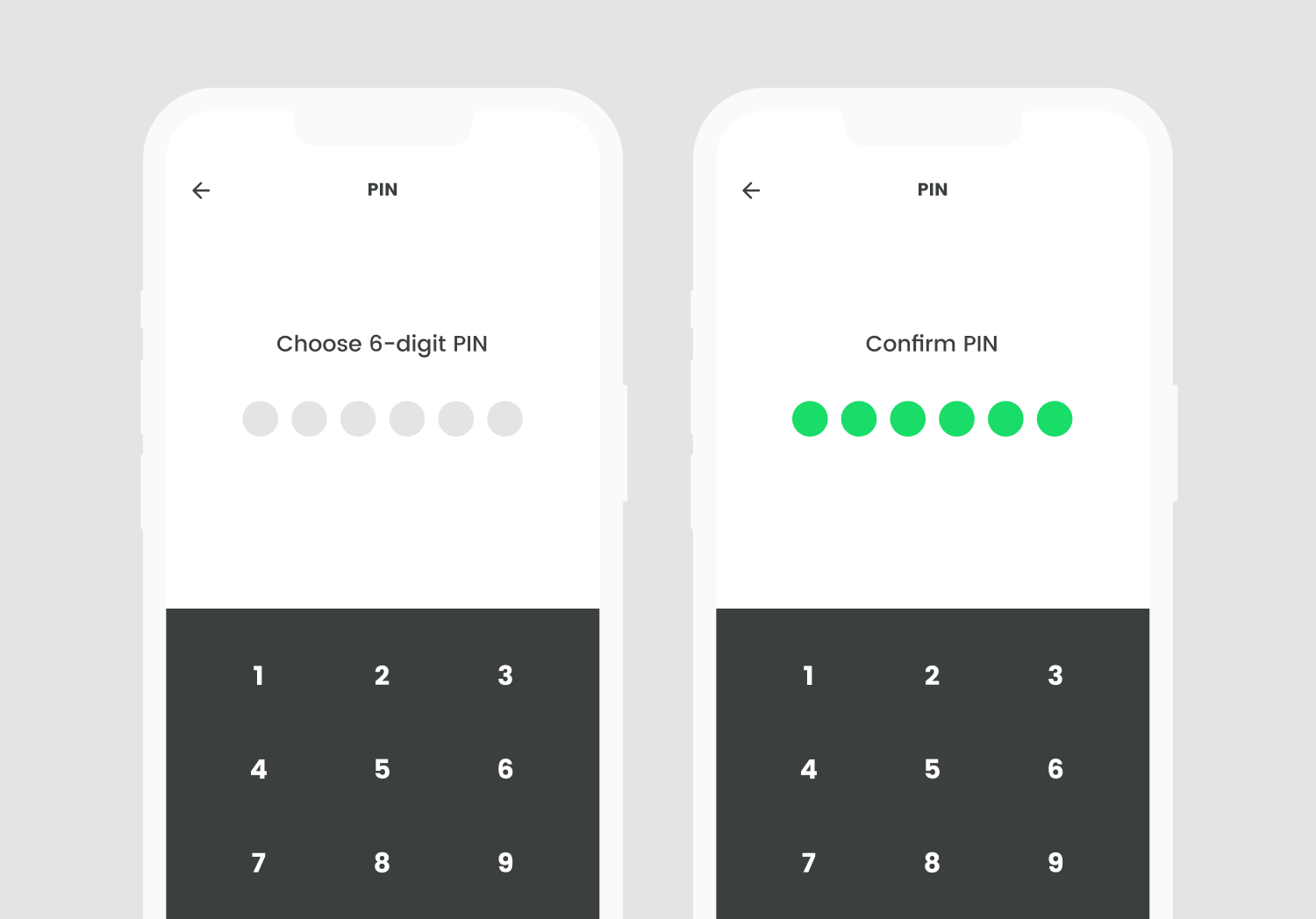
## 2. Setting up PIN number
Setting up your 6-digit PIN number. Please enter your desired PIN number and confirm it again. Your PIN number will be used for activities such as wallet access and item purchases. Please be careful not to disclose your password.
📌 *You can reset your PIN number in Profile - Settings - Reset PIN.*
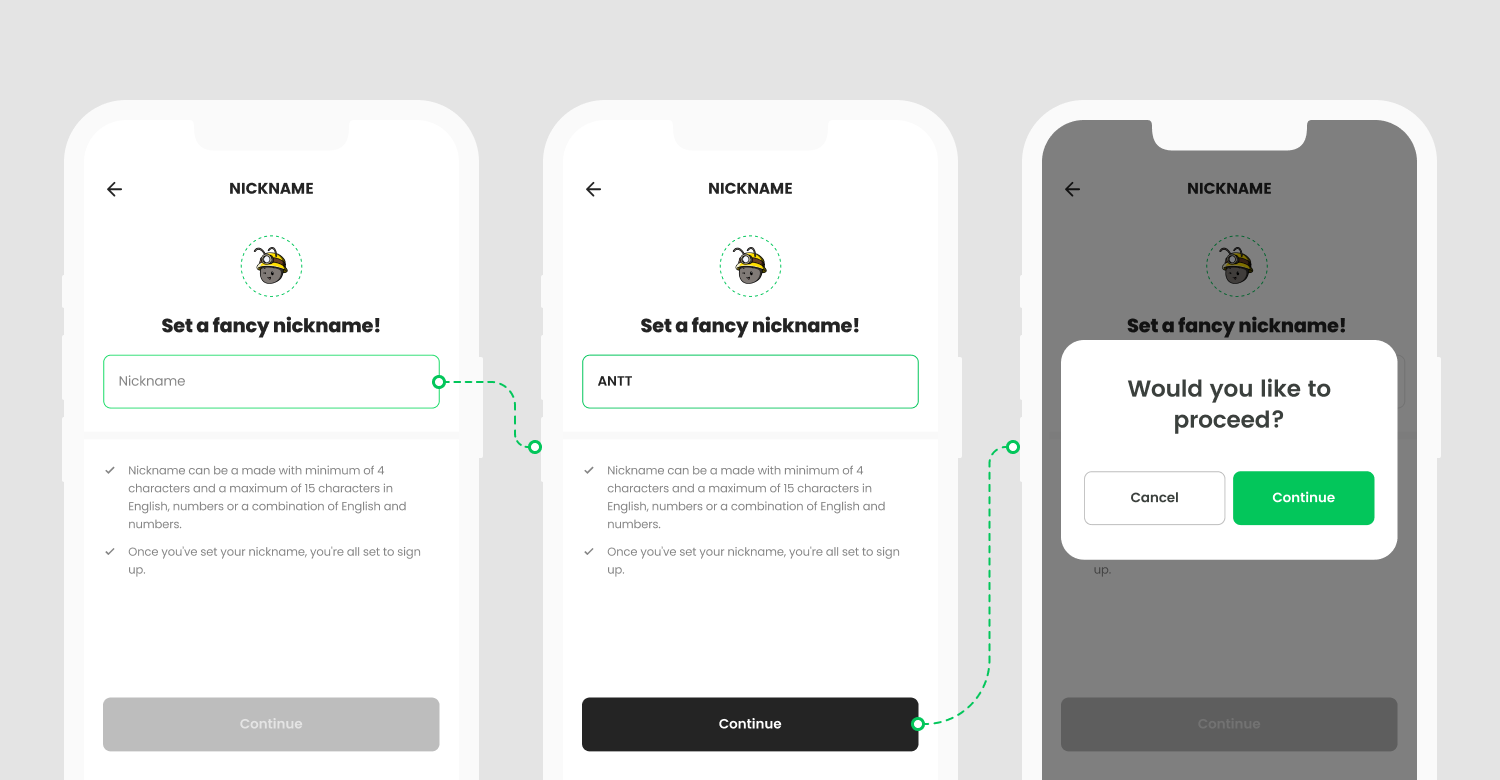
## 3. Setting Nickname
Your nickname represents you in the ANTTIME ecosystem. Especially, your nickname is used as a referral code, so having a unique nickname refer to have a greater value. Join the ecosystem swiftly, seize a cool nickname, and represent the community!
📌 *Your nickname can be set as a combination of English letters and numbers, ranging from 4 to 15 characters. English letters are case-insensitive, and please note that words that impersonate administrators or contain offensive language are not allowed. Please set your nickname accordingly, keeping these guidelines in mind.*
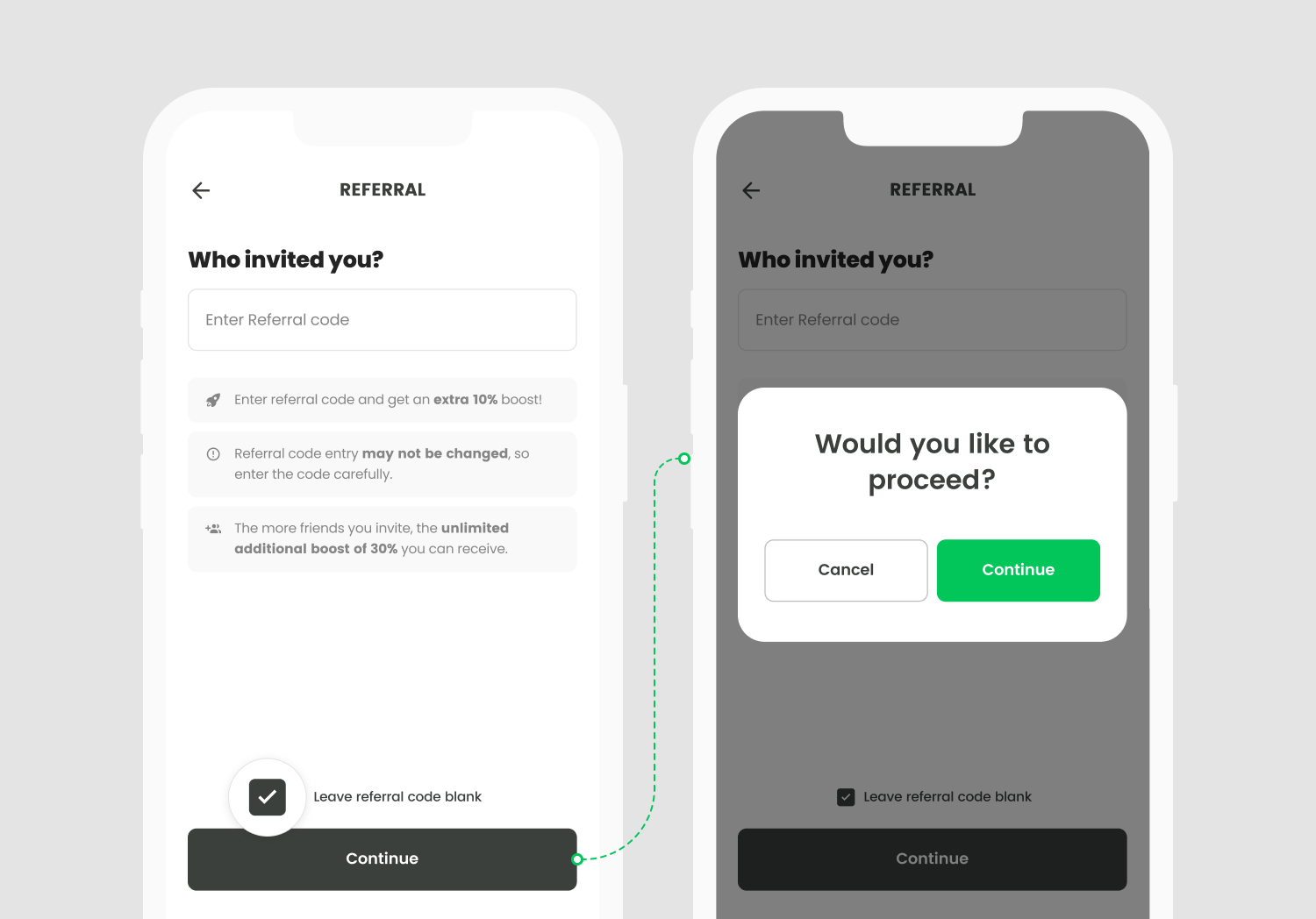
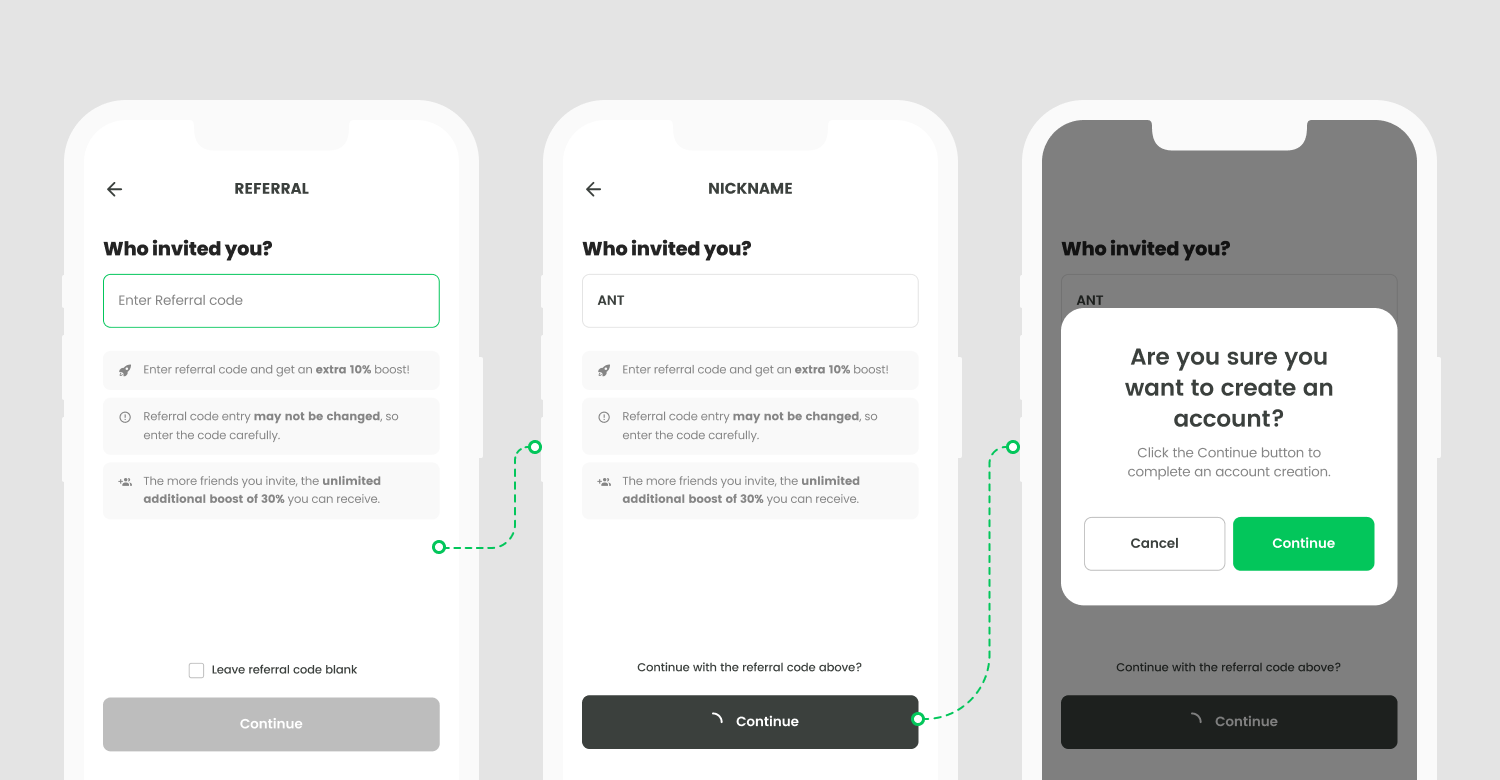
## 4. Entering Referral code
Gathering teammates is a crucial element in building the ANTTIME ecosystem. The more teammates you gather, the higher the productivity of your ants. Form guilds with recruited teammates and enjoy various economic activities in the ANTTAVERSE!
📌 *You can join ANTTIME without entering a referral code. If you enter a referral code during the registration process, you will receive a 10% of additional production efficiency bonus. If you don't enter a referral code, you will participate with the default production efficiency. Please note that the referral code entry screen is only displayed once during the initial registration, and you won't be able to change or enter it later.*
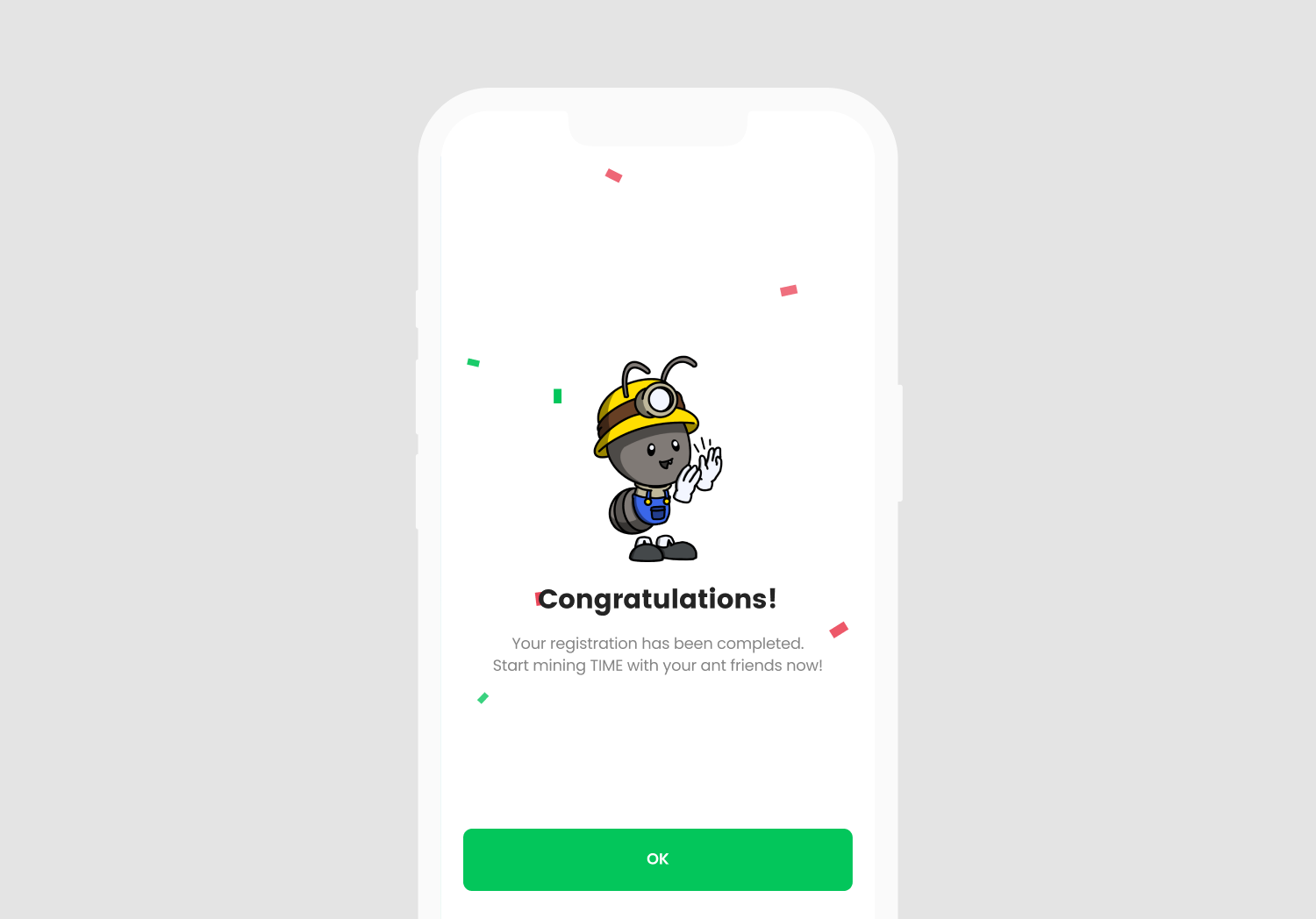
## 5. Account creation completed
Congratulations on completing all the account creation steps by setting your nickname. 👏👏 \
Now, let's make your time more valuable with your Ant Friends!
.png)