> For the complete documentation index, see [llms.txt](https://whitepaper.anttime.net/llms.txt). Markdown versions of documentation pages are available by appending `.md` to page URLs; this page is available as [Markdown](https://whitepaper.anttime.net/products-and-services/anttime/get-start/sign-in.md).
# Sign In
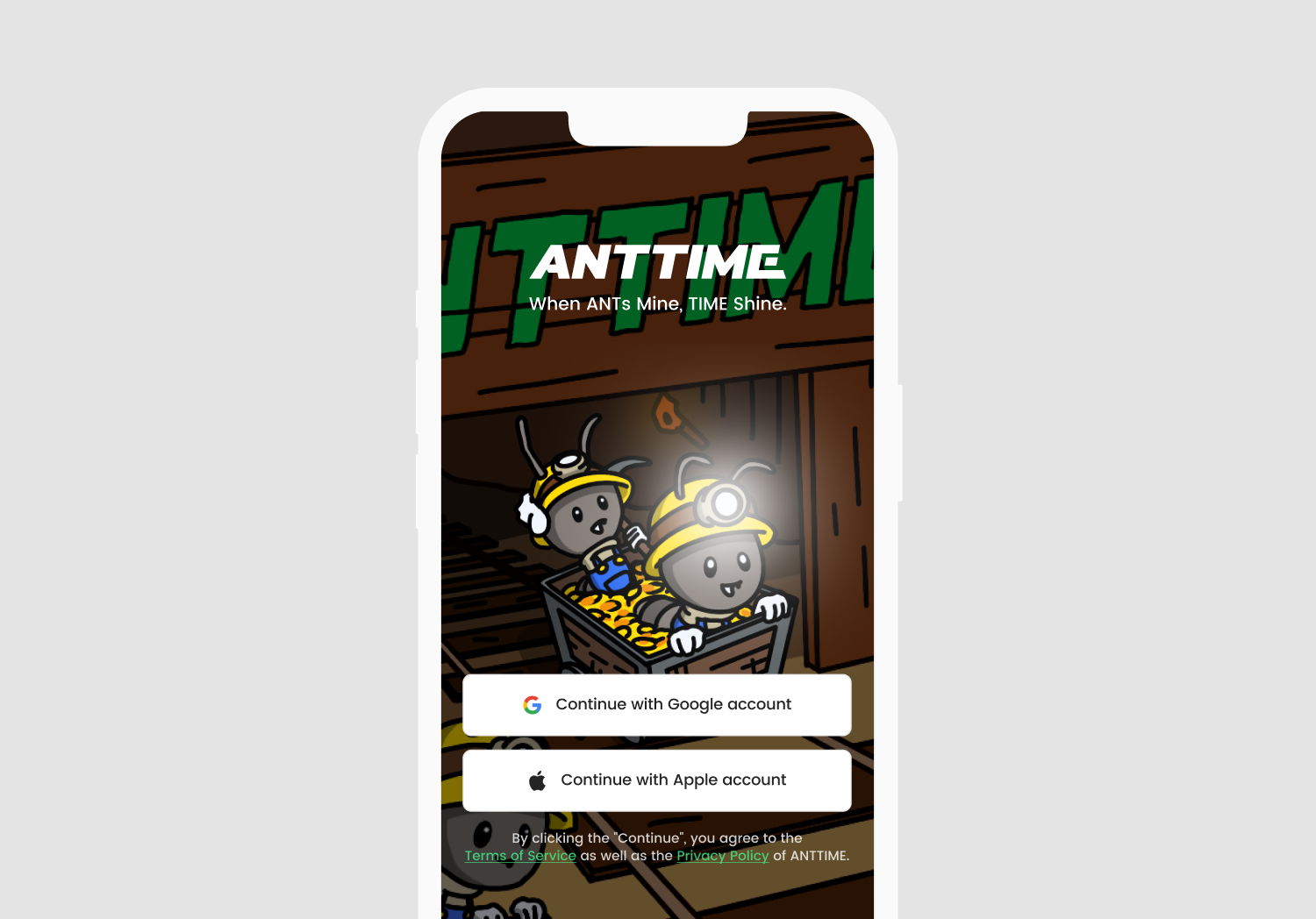
How to Sign-in to your ANTTIME Account.
## Account Selection
You will now select the account you signed up with. Just like in the Create Account step, you can choose between a Google account or Apple account. Once successfully select your account, you will complete the sign-in process and access to ANTTIME for an enjoyable experience.
.png)