> For the complete documentation index, see [llms.txt](https://whitepaper.anttime.net/llms.txt). Markdown versions of documentation pages are available by appending `.md` to page URLs; this page is available as [Markdown](https://whitepaper.anttime.net/products-and-services/anttime/how-to-play/pickaxe.md).
# Pickaxe
Multiple your TIME Points.
## 1. Pickaxe
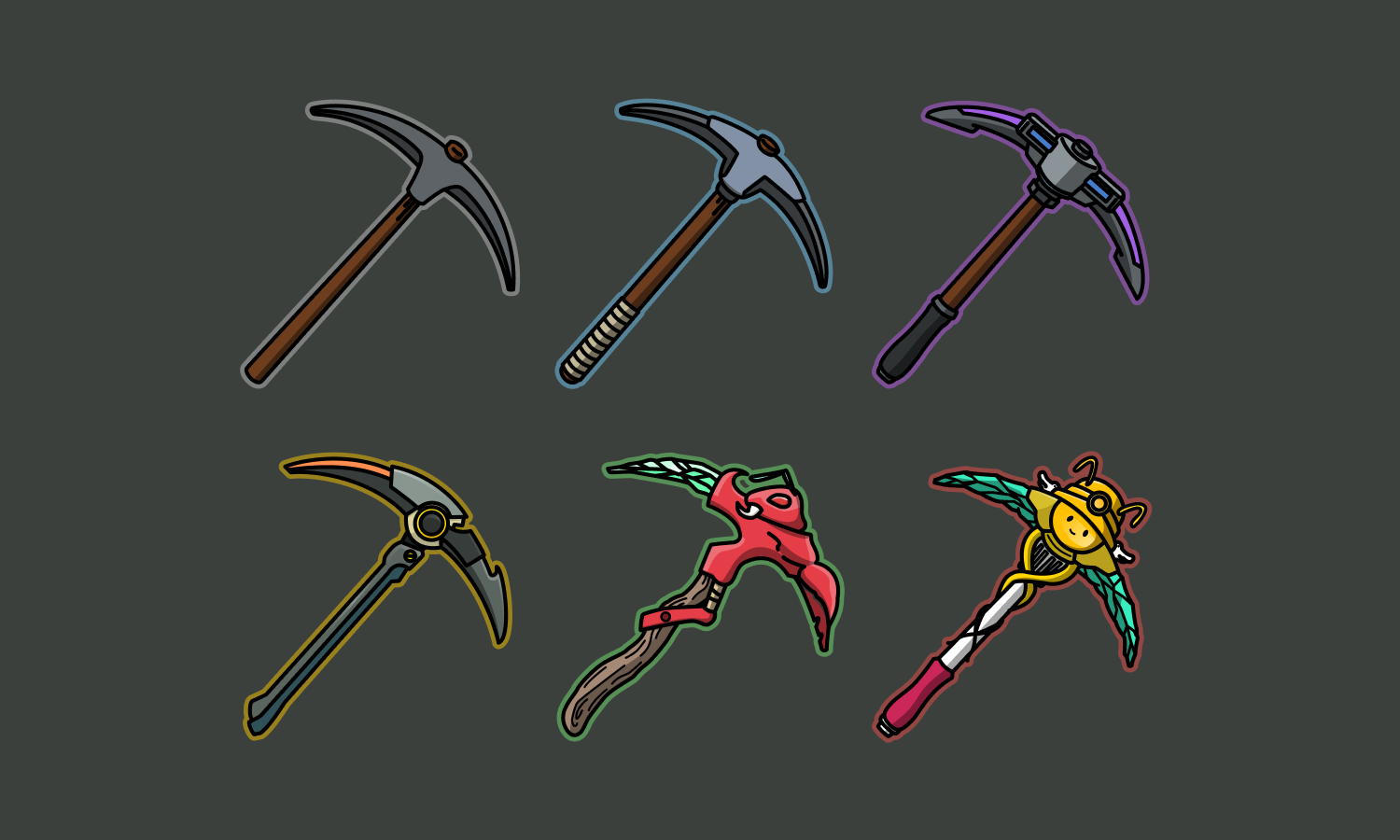
Pickaxes are an in-app leveling system that affects mining output. Users can spend CLOCK, an in-app currency, to increase the level and tier of Pickaxes through upgrade. The higher the level and tier of the Pickaxe, the more mining you get.
## 2. Upgrade
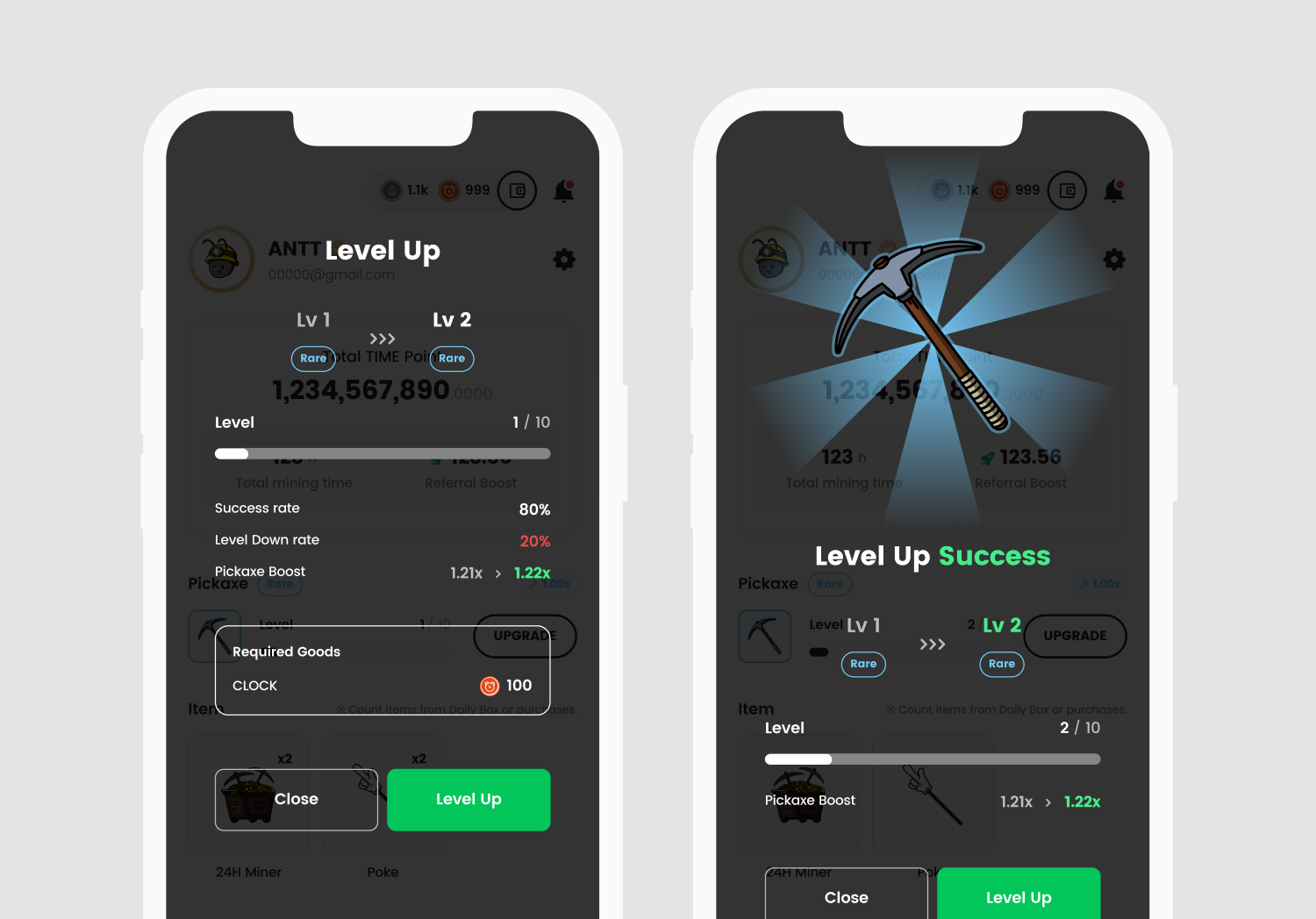
Users can upgrade Pickaxe through the Pickaxe upgrade button in the profile area. On the upgrade screen, users can see the Pickaxe's current level progression.
**1️⃣ Enhancement success**\
Spend CLOCK to upgrade your Pickaxe. Successful enhancements increase the Pickaxe's level and get more boost. As the Pickaxe's level increases, the amount of CLOCK required increases. The chance of success gradually decreases as the Pickaxe's level increases.
**2️⃣ Failed Enhancement**\
A failure of enhancement costs CLOCK but does not increase the Pickaxe's level.
**3️⃣ Level down**\
If a user fails an enhancement, the Pickaxe level will drop by according to a set probability. The higher the rank and level of the Pickaxe, the higher the rate of leveling down.