> For the complete documentation index, see [llms.txt](https://whitepaper.anttime.net/llms.txt). Markdown versions of documentation pages are available by appending `.md` to page URLs; this page is available as [Markdown](https://whitepaper.anttime.net/products-and-services/anttime/wallet/spending.md).
# Spending
Hold TIME as an asset.
## 1. Spending
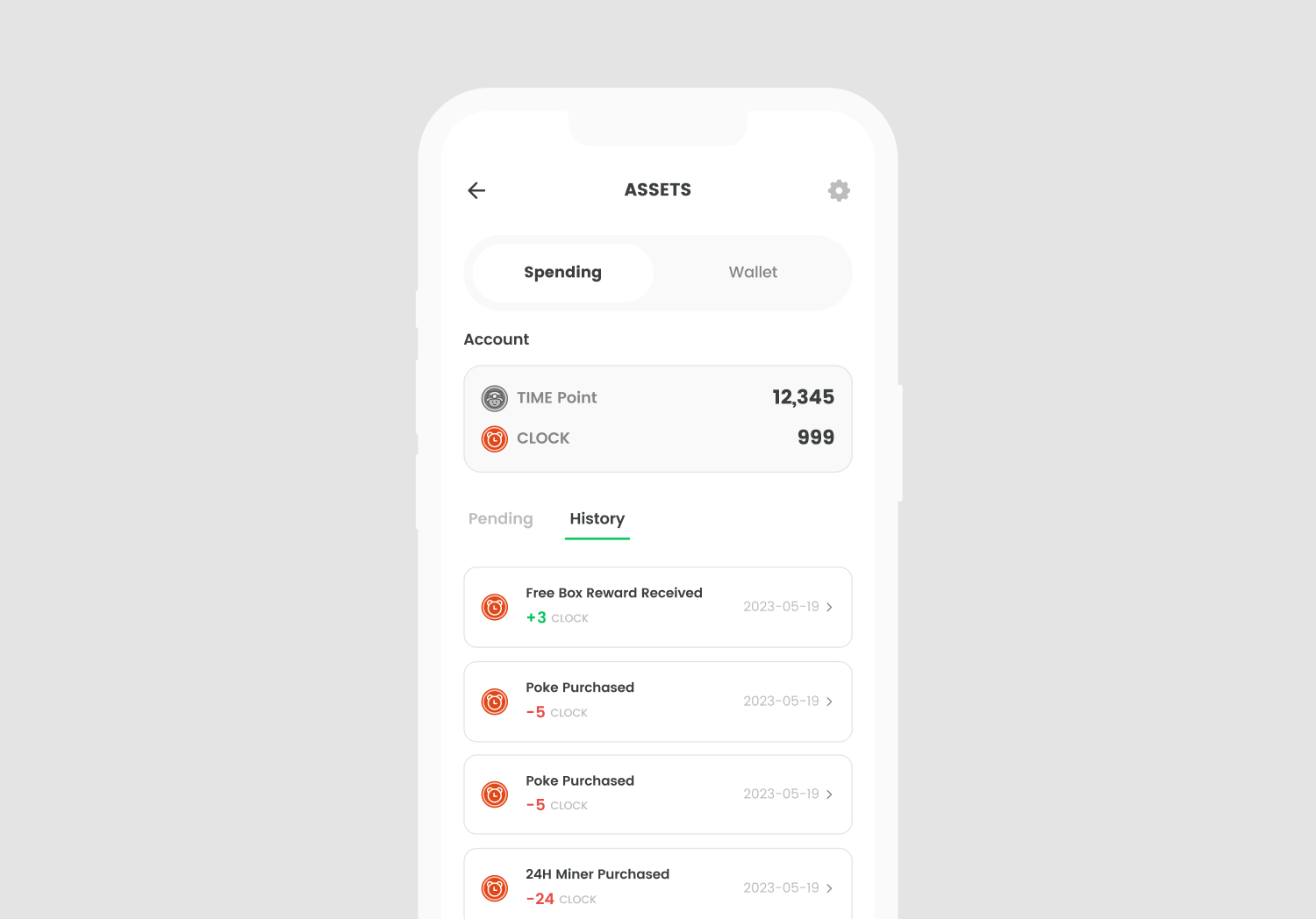
Spending is a key function within the ANTTIME app that allows you to utilize your assets. All asset usage history can be viewed within the app, and Spending is directly linked to your account.
## 2. On-chain TIME conversion
To convert TIME assets from Spending to the on-chain network, you can click on the "Transfer" button at the Spending section. By clicking this button, a transaction will be initiated on the TIME Blockchain, and your TIME assets will be transferred from your ANTTIME Spending wallet to your on-chain wallet.
📌 *The TIME conversion function is scheduled to be updated in the near future.*
.png)